Reporting Order
In the Reporting Order menu, you see all the amounts to receive and to report to the agency.

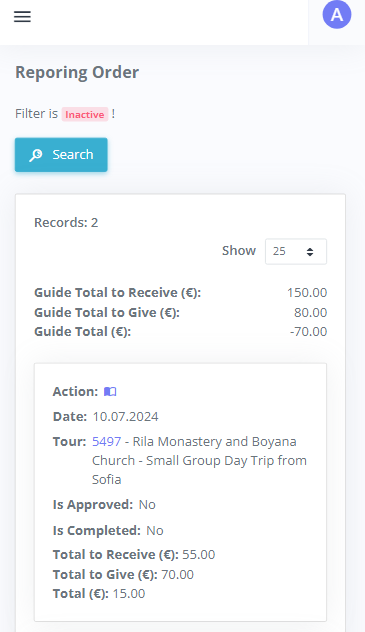
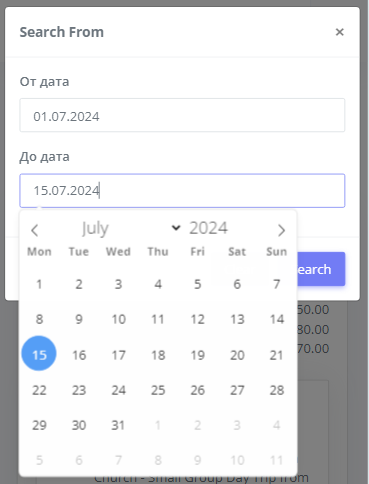
From the filter  you can select a time period to view all reports by orders/tours. If the filter is inactive (default) all orders to date that have not been completed/reported are displayed.